Most collages that look off have the wrong photos, not the wrong layout. What to pick, how to crop it first, and how many you need.
How each photo is placed
It helps to know what the collage maker does with a photo before you choose one. Each photo is scaled until it covers its whole panel, then clipped to the panel's slanted shape. Horizontally it is centred. Vertically it is anchored near the top, so the upper part of the picture is kept and the bottom is cropped first. That suits portraits, where the face is usually in the top third.
You cannot drag or zoom a photo inside its panel. If the framing is wrong, crop the photo in your phone's gallery first and add it again. Thirty seconds of cropping fixes almost every problem below.
Framing: head and shoulders wins
- Head and shoulders, face in the upper third. This lands where the maker keeps the picture and reads at any size.
- Subject in the middle of the frame. A face on the far left of a wide shot can end up cut in half by a narrow panel.
- A little space above the head, not a lot. Big empty sky above a small face wastes the panel.
- Full-length shots only in tall panels. In a small or wide panel the person shrinks to a few pixels.
- One person per panel. Group photos work only in the biggest panels: the tall hero panel in Feature or the four panels of Quad.
Light, colour and contrast
The original GTA VI art is warm, bright and saturated, so photos with the same qualities blend in. Daylight, golden hour, a bright wall or a blue sky behind the subject all work. Dark indoor shots and photos lit from behind look muddy next to the art and next to each other.
Consistency matters more than any single photo. Nine photos taken in similar light look like one poster. Mix flash-lit party photos with outdoor daylight shots and the collage looks like a contact sheet. If you have to mix, warm up the cooler photos a little in your phone's editor before adding them.
Busy backgrounds fight the dark gutters between panels. A plain wall, the sky or a blurred background keeps each panel clean.
Mix faces with things
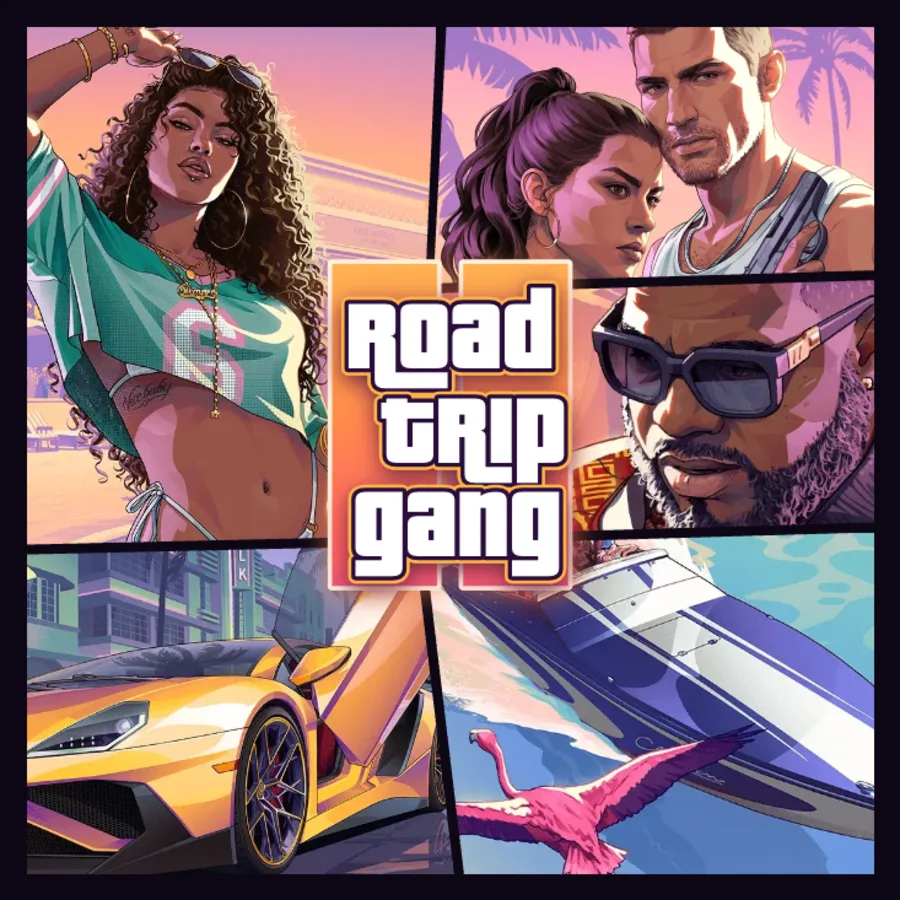
The real covers are not nine portraits. They mix characters with a car, a boat, an animal and a place. Do the same: a car, a dog, a stadium, a beach, a cake. It breaks the rhythm of faces and tells people what the poster is about.
How many photos per layout
Fewer photos than panels is fine: empty panels keep the original artwork. In every layout the centre of the poster sits behind the logo, so the middle panel is partly hidden. Put a background shot there, not your best face.
- Vice: 9 panels, the slanted cut of the GTA VI cover. Panels differ in shape, so use portraits for the tall side panels and wider shots for the wide ones.
- Grid: 9 near-square panels with gentle slants. The easiest layout for nine faces.
- Shards: 9 panels in two tilted bands, for a cracked-glass look.
- Feature: 5 panels, one tall hero on the left and four smaller ones. Good for one person or a couple.
- Quad: 4 big panels split by a slanted cross. Good for a small group or for faces that need to read small.
Resolution: phone photos are plenty
When you add a photo, the maker resizes it to at most 1600 pixels on its long side and keeps it in your browser. Any recent phone photo is far above that. What looks soft is anything small to begin with: screenshots of video calls, photos saved from messaging apps, old profile pictures. Those may look fine on screen but blur in the 4096 pixel Print download.
Make the collage
- Crop any photo where the face is not near the top centre.
- Open the collage maker and pick a layout in the Layout tab that matches how many photos you have.
- In the Photos tab, press Add photos and select them all. They fill the panels in order.
- Tap a numbered panel to swap one photo, or drag a photo onto a specific panel on the poster.
- Switch layouts to compare. Your photos carry over to a layout you have not filled yet.
- Add your words in the Text tab, then press Download or Share.
FAQ
Can I move or zoom a photo inside a panel?
Not yet. Photos are centred and anchored near the top of each panel. Crop the photo on your phone first to change what shows.
How many photos do I need for a GTA collage?
Nine for Vice, Grid or Shards, five for Feature and four for Quad. Panels you leave empty keep the original artwork.
Why does one of my photos look blurry?
It was probably small to begin with, such as a screenshot or a photo saved from a chat app. Use the original photo from your camera roll instead.