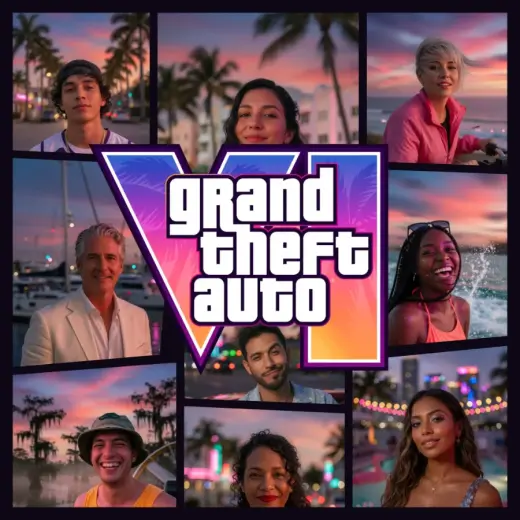
The real GTA VI box art layout
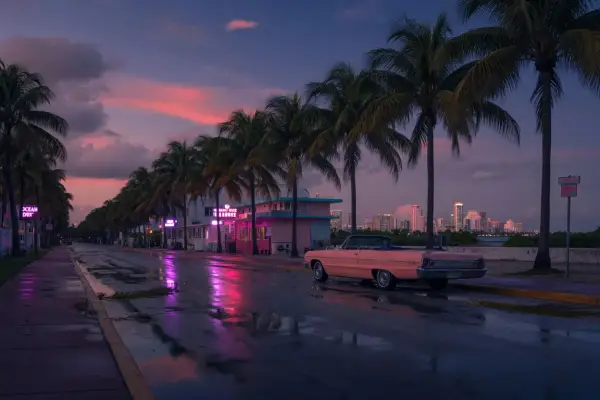
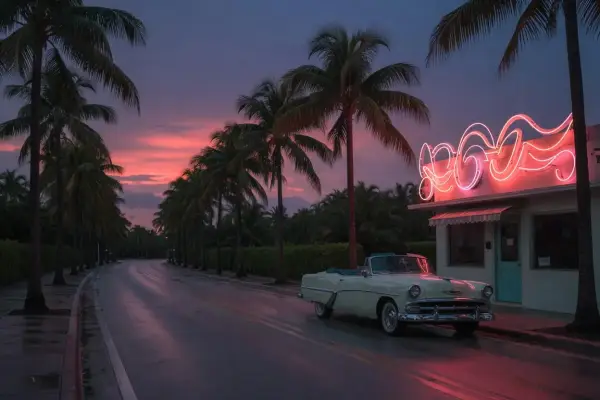
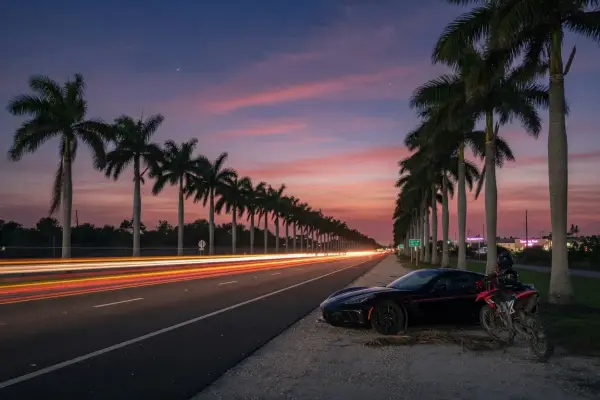
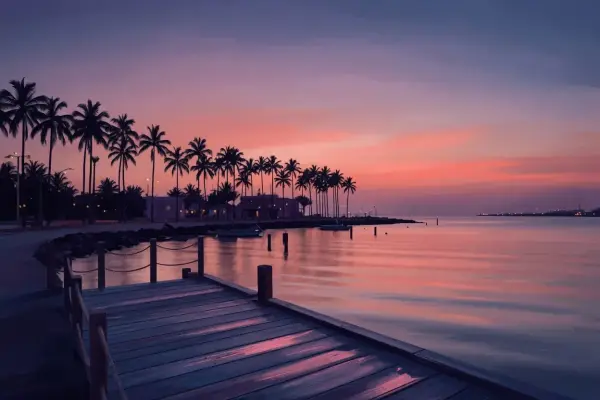
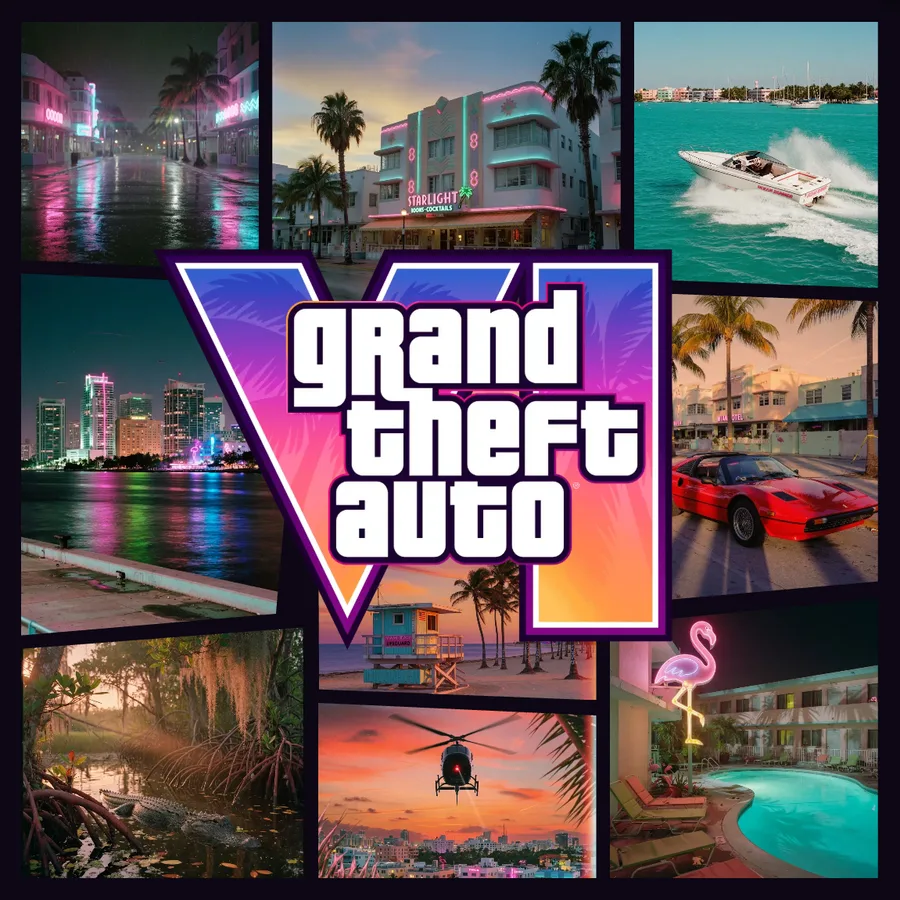
The Vice layout is traced from the official GTA 6 cover art: the same nine slanted panels, the same purple and pink sunset palette, the same logo hole in the middle. The panel shapes were measured from the artwork's own edges, so your photos are cut exactly where Rockstar's artists cut theirs.
Panels start with the original artwork (Lucia and Jason, the flamingo, the speedboat, the alligator). Swap any of them for your own photo; the ones you leave alone stay as they are, so a half-finished cover still looks right.
What you can change
- Every panel: tap it in the Photos tab and pick a photo. Add nine at once and they fill in order.
- The logo: keep "Grand Theft Auto VI" or type any three lines and any numeral. The letters keep the ink outline, rim and gradient of the real logo.
- The palette: pick a template for a different colour grade, from Vice City neon to Los Santos gold.
- The grid: switch to Grid, Shards, Feature or Quad if nine slanted panels are too many for your photos.
Sizes for print and screen
Download at 1080 for an Instagram post, 2160 for HD, or 4096 for a poster print. A 4096 pixel square prints sharp at A3 or 40 by 40 cm. Story, phone wallpaper and desktop wallpaper sizes centre the cover on a dark backdrop.